Add/ remove your company logo
Add or remove a company logo on a text testimonial card.
Add a company logo to a text testimonial card, or remove one that is already there.
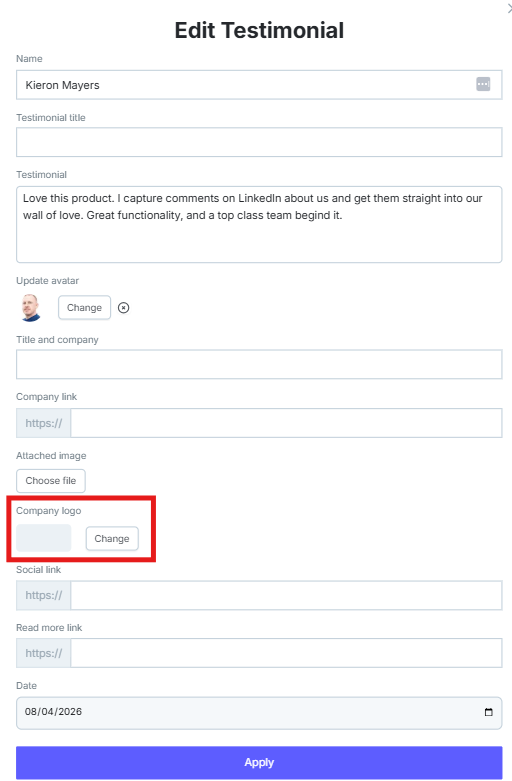
Open the testimonial, click Edit, then upload a logo under Company Logo.

Add a company logo
Click the text content or the 3-dot icon on the upper-right of the testimonial card.

Click Edit.

Scroll to Company Logo, upload the logo, and click Apply.
Remove a company logo
In the same editor, click the X on the logo, then click Apply.
Need help? Message us in the chat widget.