How to change your password
Change your password from Settings → Sign-in Methods.
Change your password from Settings → Sign-in Methods while you are signed in.
If you are signed out and need a reset link, see How to reset your password.
Change your password
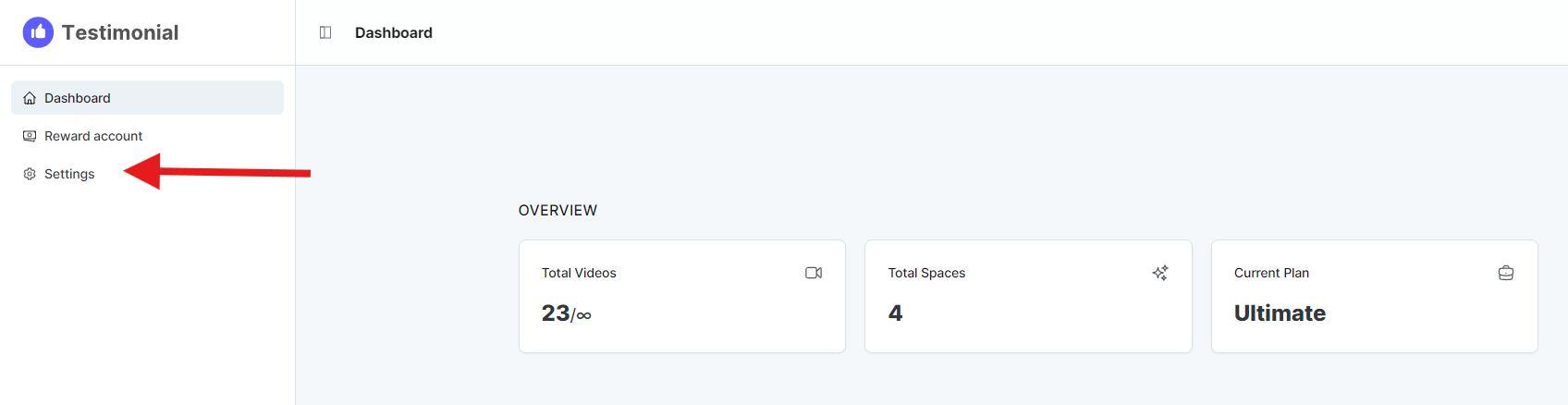
Open Settings from the left sidebar.
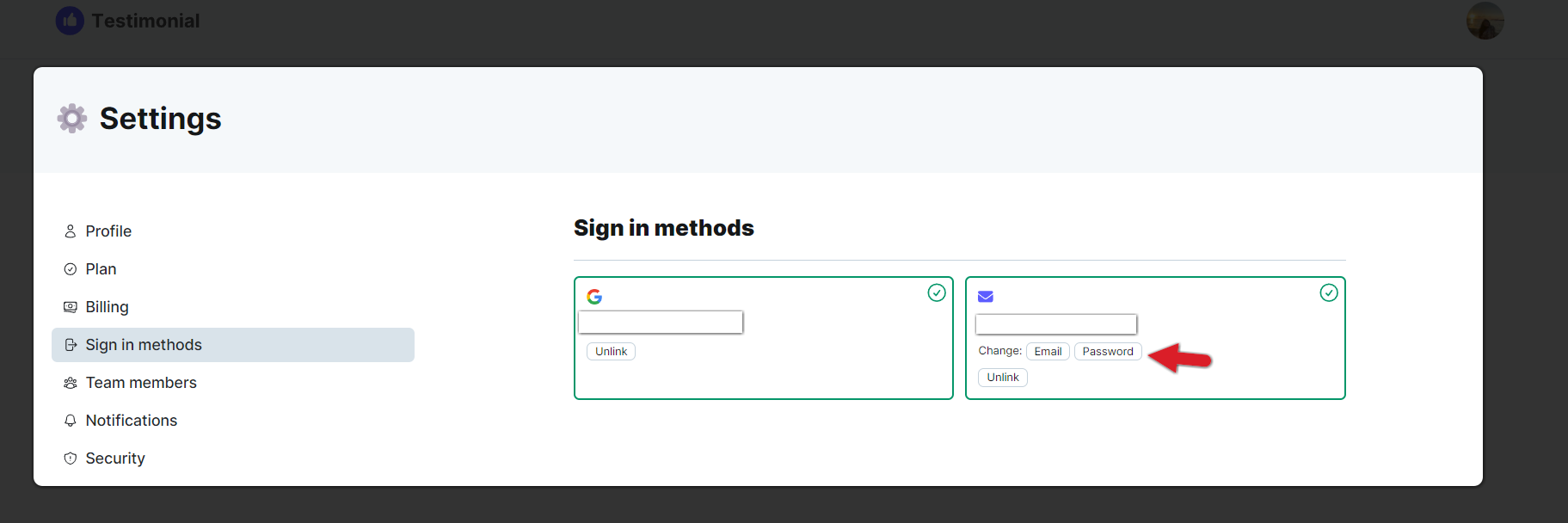
Select Sign-in Methods in the left sidebar, then click the password option.
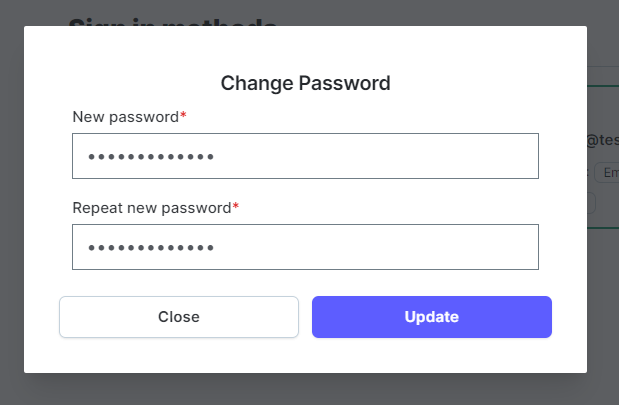
Enter the new password and click Update.
Verify your current information when asked.
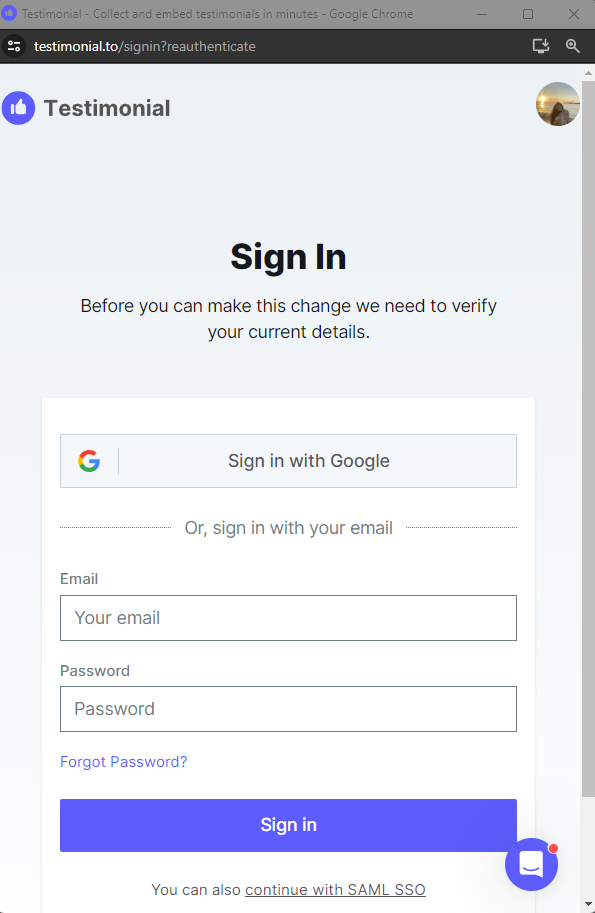
After you authenticate, the password updates.

Related: How to change your account email
Need help? Message us in the chat widget.