Creating images and getting embed code for 3rd-party reviews
Create a PNG or copy embed code for a third-party review you have imported.
Create a PNG or copy embed code for a third-party review you have imported into a Space.
Note: Open the testimonial from Import so you can download or embed the imported review.
Create the image or embed
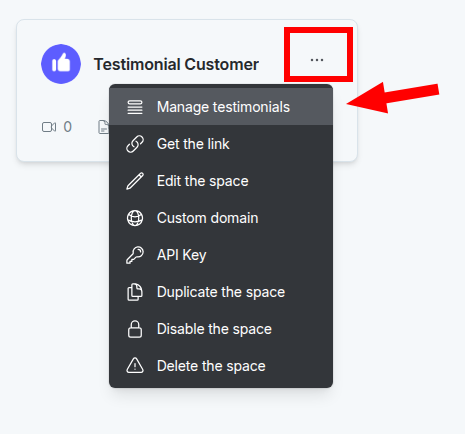
Go to the dashboard. Open the Space card, or click the 3-dot icon and choose Manage Testimonials.
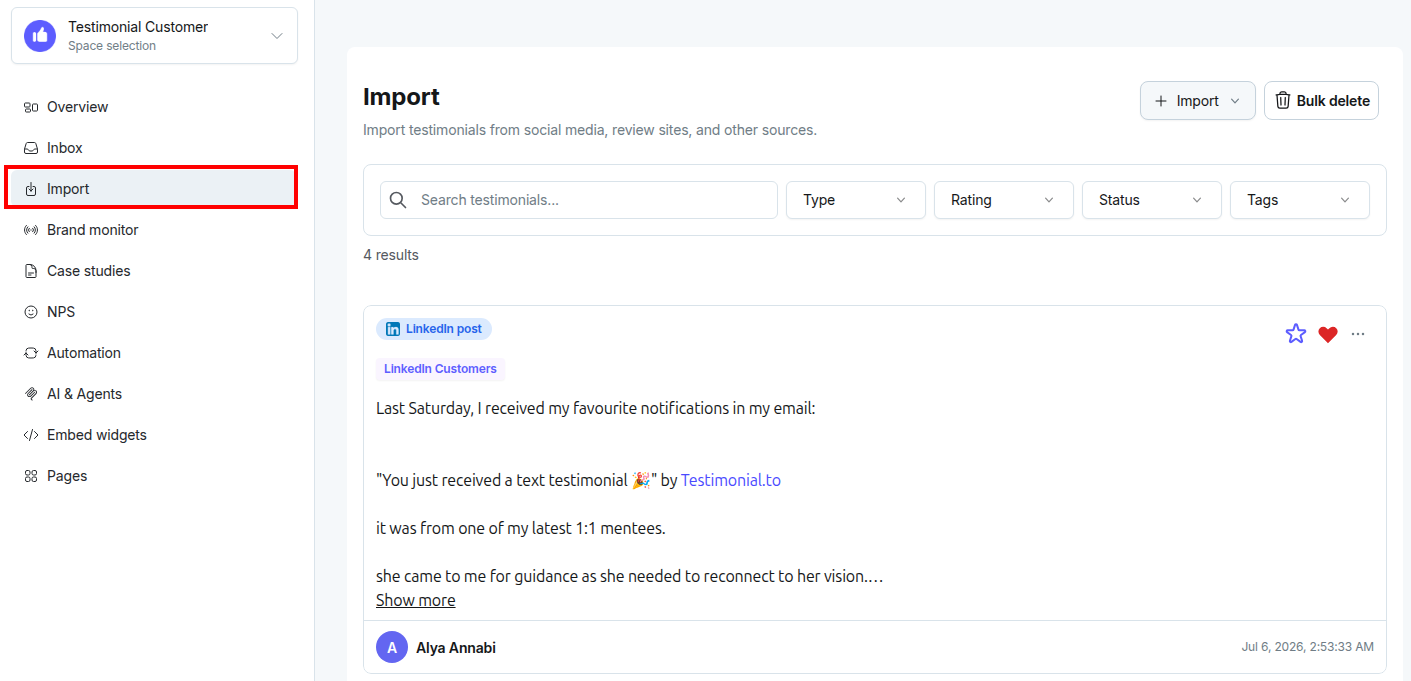
In the left sidebar, click Import.
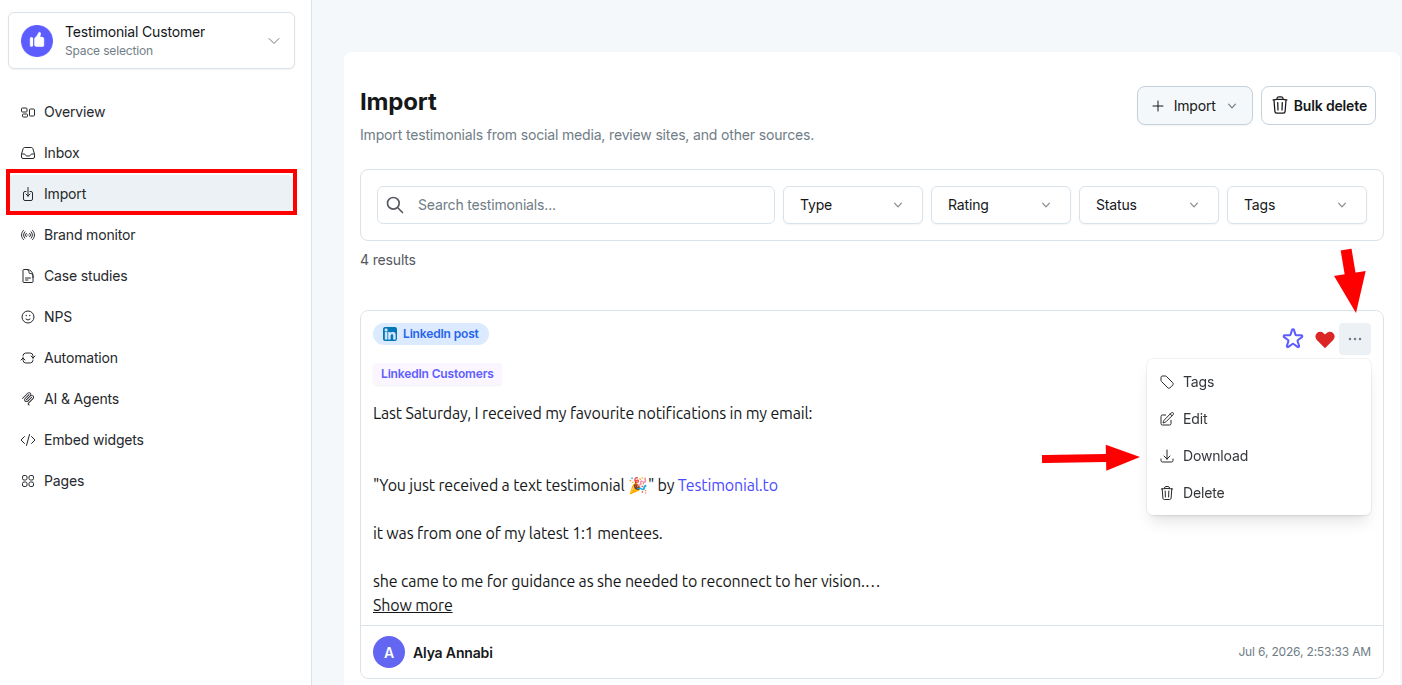
Click the 3 dots on the upper right of the testimonial, then select Download.
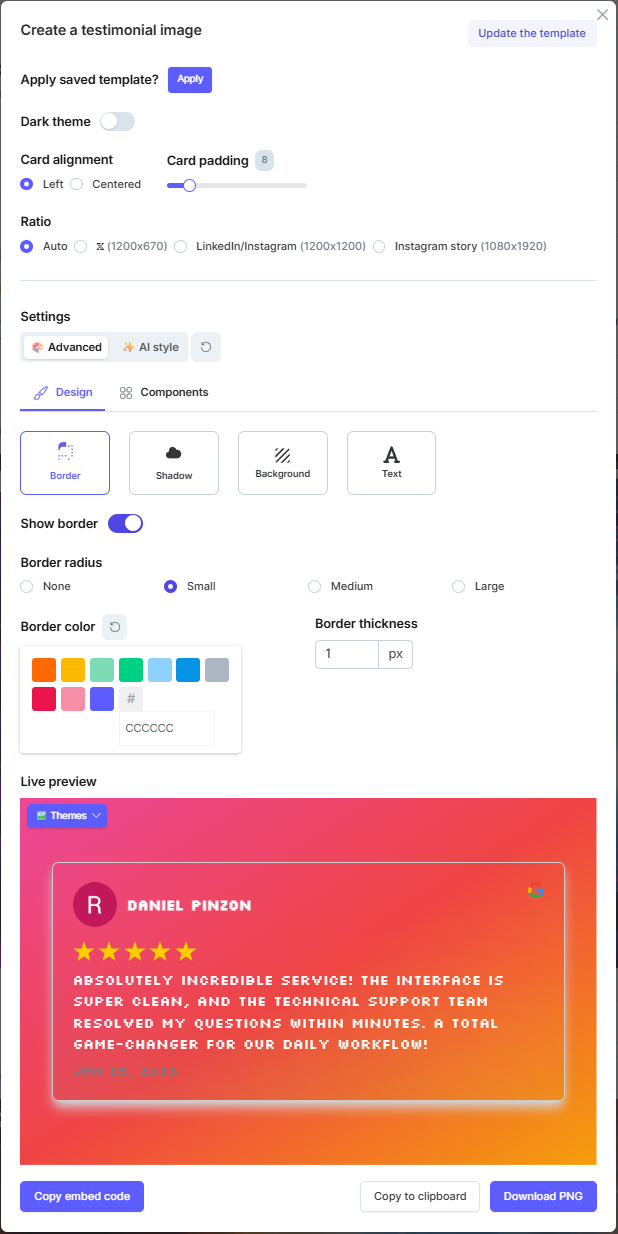
In the pop-up, customize the testimonial. Then copy the embed code on the left, or download a PNG on the right.
Output
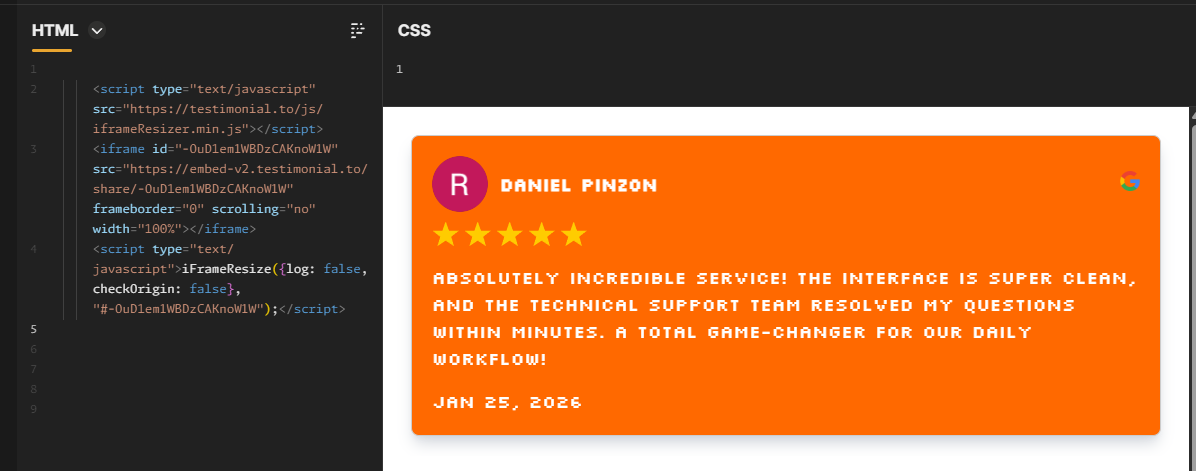
Embed code tested in codepen.io:
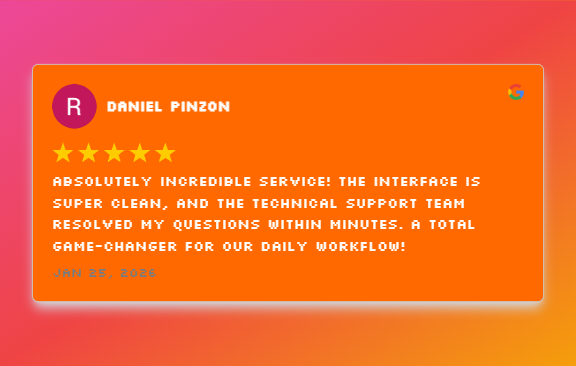
A single testimonial downloaded as PNG:
Need help? Message us in the chat widget.