How to embed the same Wall of Love more than once on the same page
Embed the same Wall of Love more than once on a page by giving each embed a unique Wall ID.
You cannot paste the same Wall of Love embed twice on one page. The iframe IDs conflict and testimonials look cropped. Give the second embed a unique Wall ID.
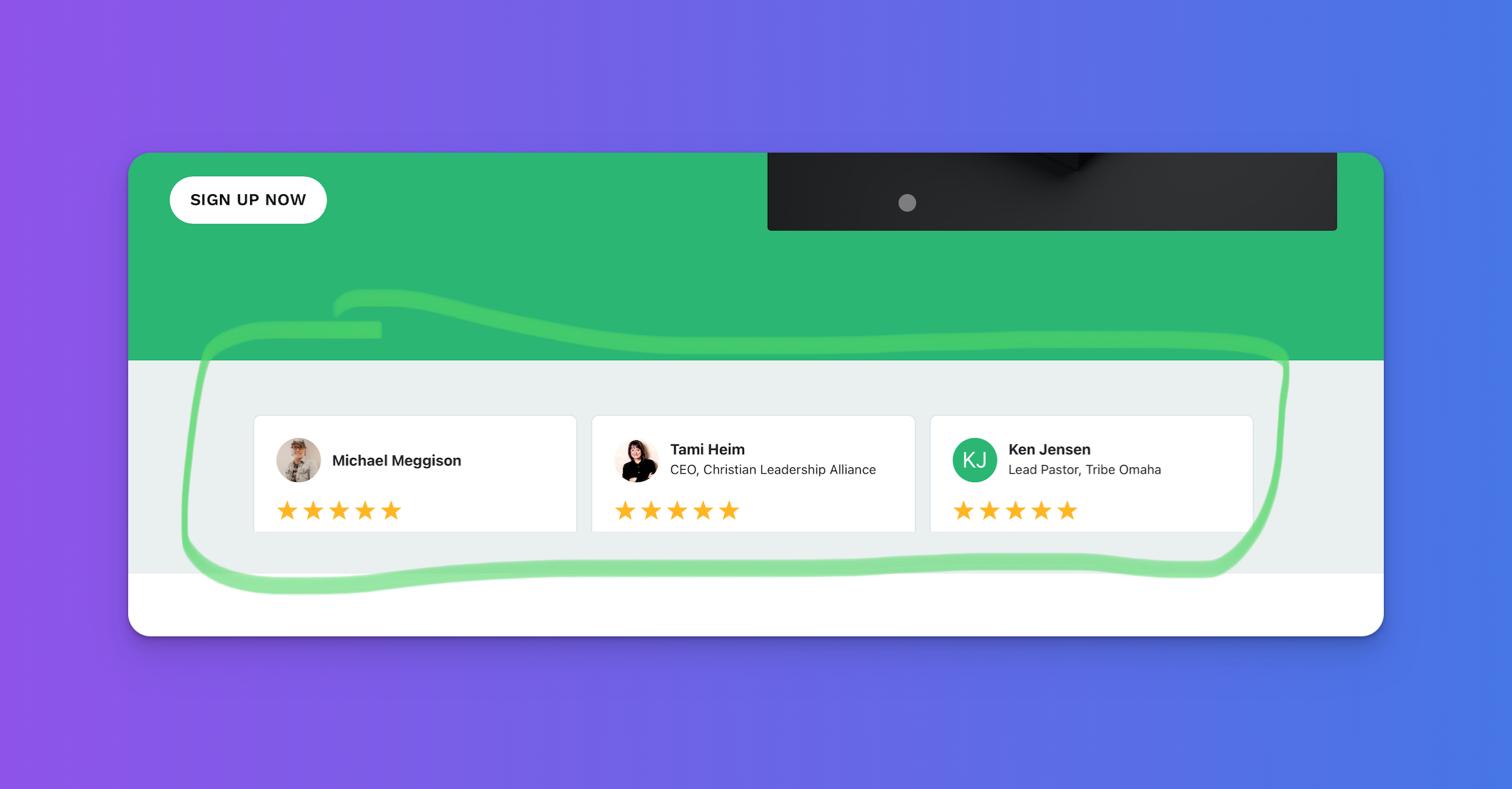
Add a variation to the Wall ID
A Wall of Love embed looks like this:
<script type="text/javascript" src="https://testimonial.to/js/iframeResizer.min.js"></script><iframe id="testimonialto-wall-of-love-for-testimonial-light" src="https://embed-v2.testimonial.to/w/wall-of-love-for-testimonial?theme=light&card=base" frameborder="0" scrolling="no" width="100%"></iframe><script type="text/javascript">iFrameResize({log: false, checkOrigin: false}, "#testimonialto-wall-of-love-for-testimonial-light");</script>
The Wall ID is testimonialto-wall-of-love-for-testimonial-light. It appears on the iframe and again in the iFrameResize selector.
For the second embed, append -2 to that ID in both places:
<script type="text/javascript" src="https://testimonial.to/js/iframeResizer.min.js"></script><iframe id="testimonialto-wall-of-love-for-testimonial-light-2" src="https://embed-v2.testimonial.to/w/wall-of-love-for-testimonial?theme=light&card=base" frameborder="0" scrolling="no" width="100%"></iframe><script type="text/javascript">iFrameResize({log: false, checkOrigin: false}, "#testimonialto-wall-of-love-for-testimonial-light-2");</script>
That is the only change:
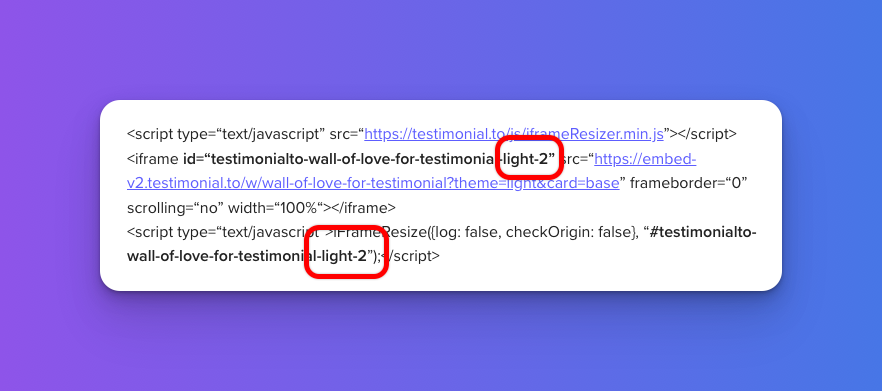
Use both codes. Do not paste the same code twice.
Note: Keep creating new ID variations if you need more than two embeds on the same page (-3, -4, and so on).
Fixing cropped testimonials
If testimonials still look cropped after the ID change, see How to fix cropped testimonials.
Need help? Message us in the chat widget.