Editing your space
Open the space editor from the dashboard or Space settings.
Edit a space from the dashboard card menu or from Space settings. The editor uses the same fields as Create a space.
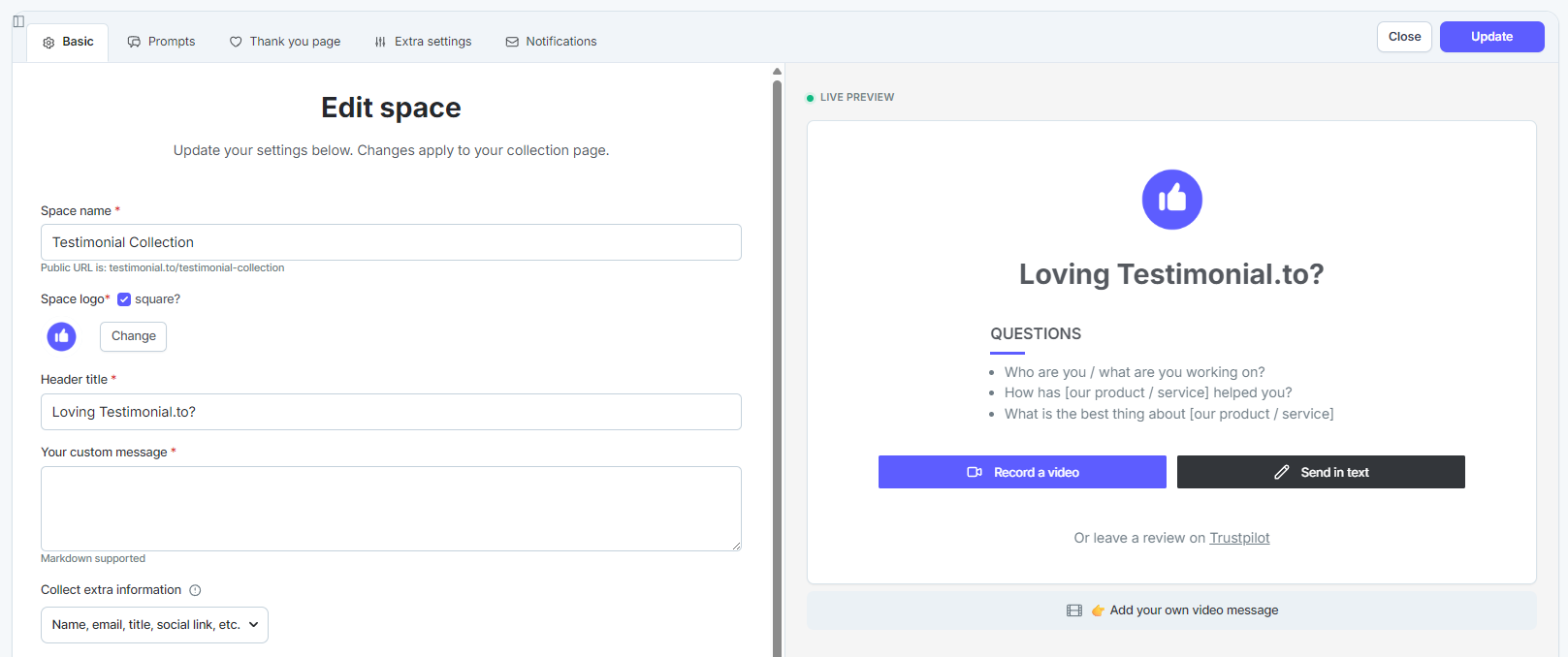
Open the editor
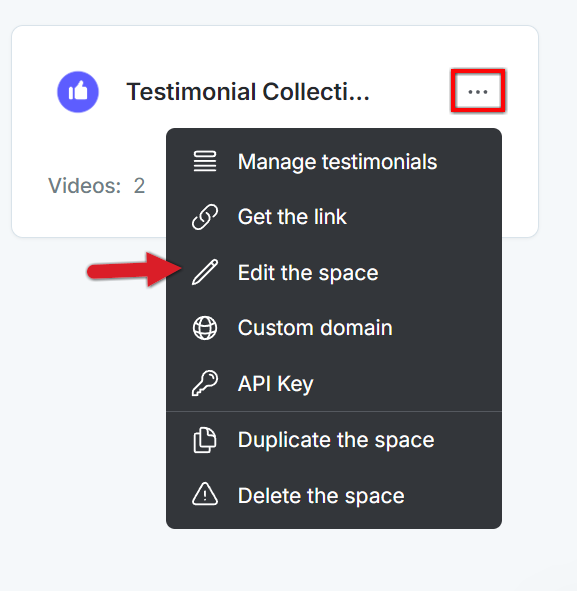
From the dashboard
Click the three-dot menu on the space card.
Click Edit the space.
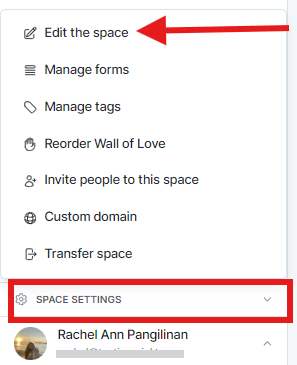
From the space
Open the space.
In the bottom-left sidebar, click Edit the Space.
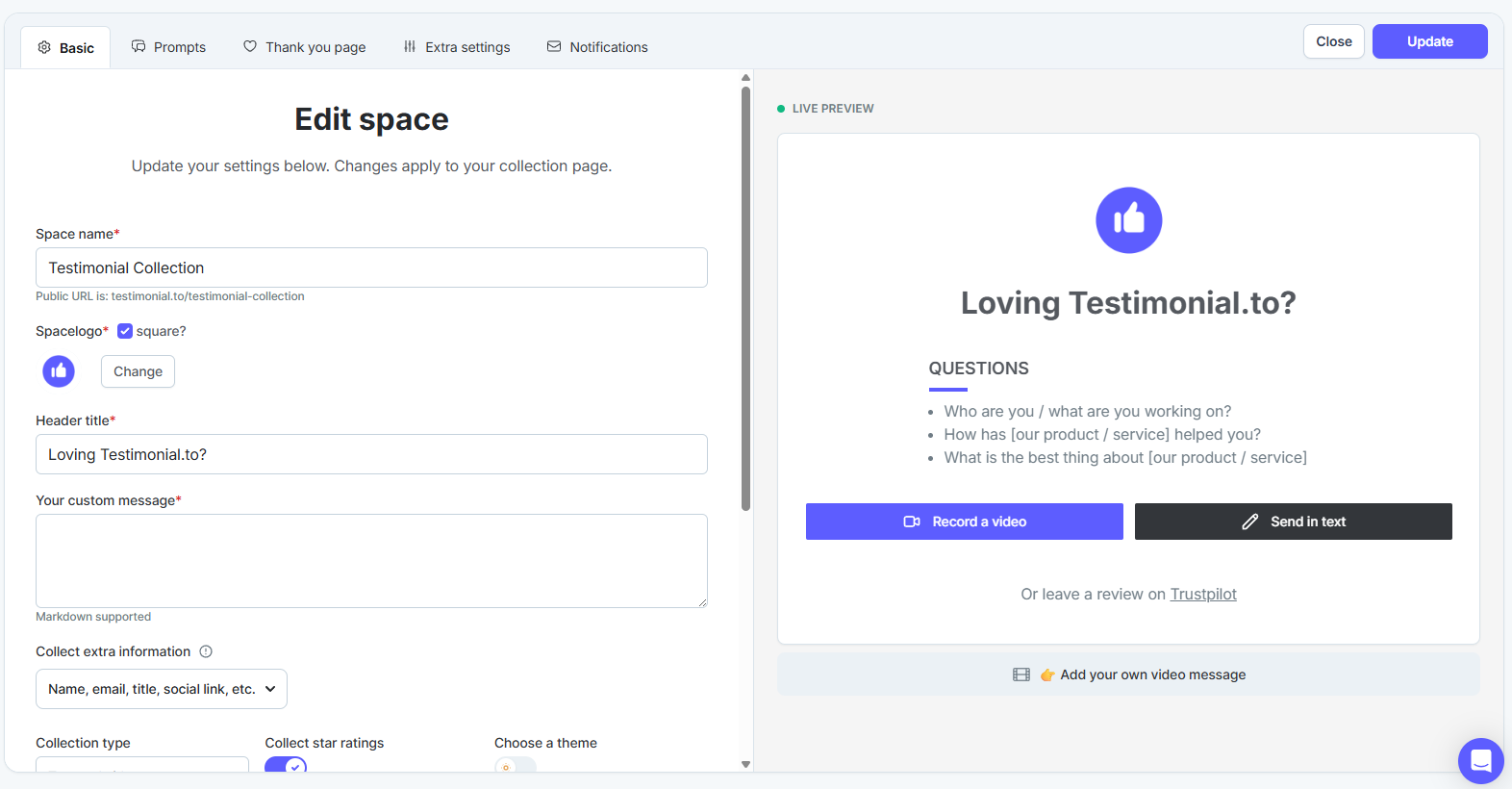
The modal matches Create a space. See the Space collection for what you can change.
Need help? Message us in the chat widget.