How to change your account email
Link an email and password from Settings → Sign-in Methods.
Link an email and password from Settings → Sign-in Methods. Use this if you signed up with Google and want to add a different email.
Open account settings.
Link an email
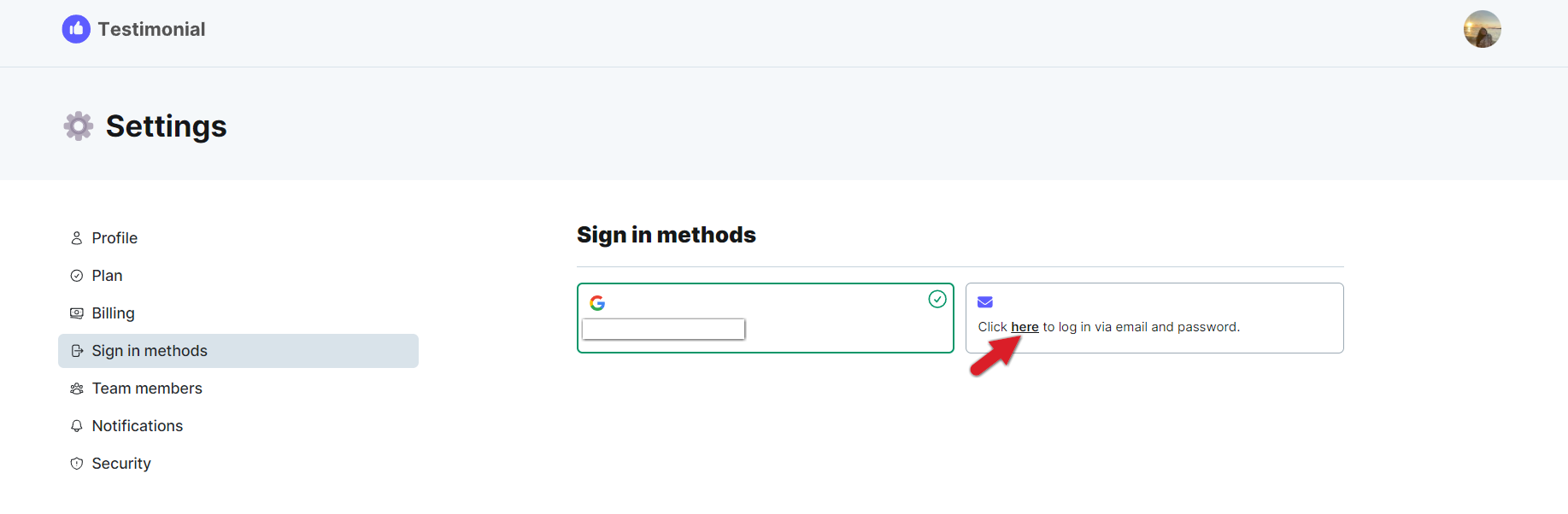
Go to account settings and choose Sign-in Methods in the left sidebar.
If the account is not yet linked, click here to sign in.
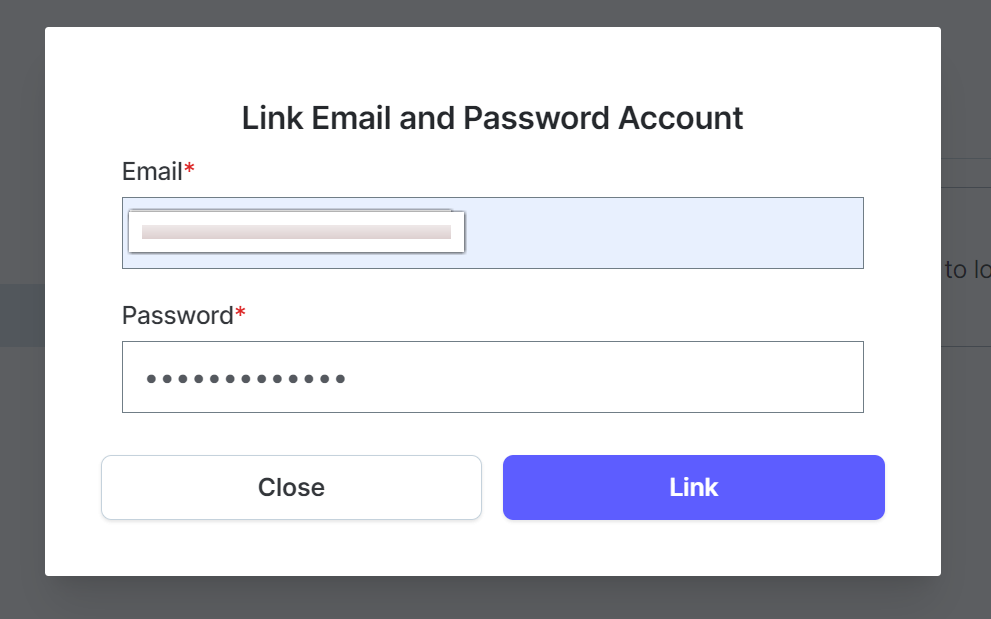
Enter the email and password you want to link, then click Update.
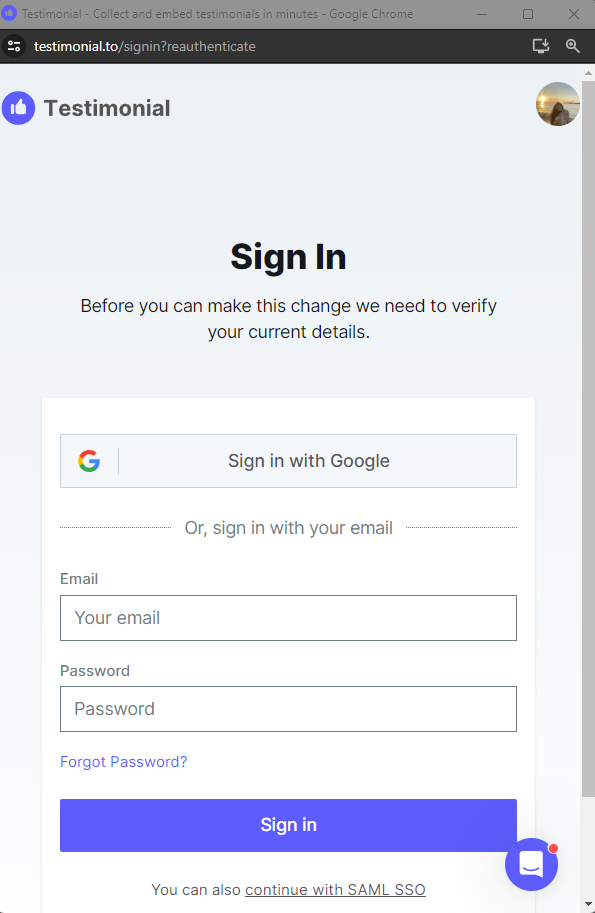
Verify your current information when asked.
Related: How to change your password · Linking your Gmail account
Need help? Message us in the chat widget.